
Settings
Pipelines and stages
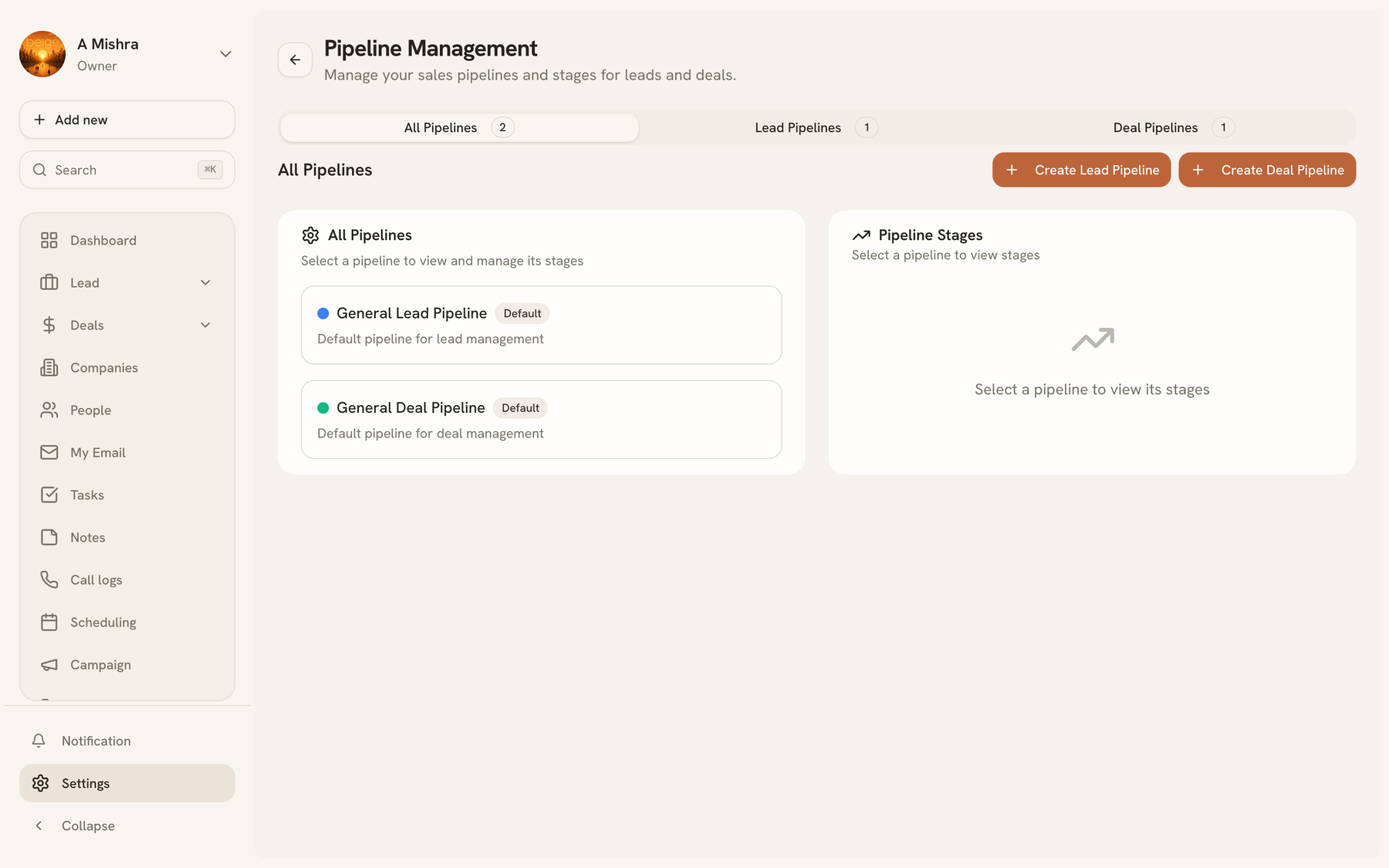
A pipeline is an ordered set of stages that work moves through. There are two kinds — lead pipelines and deal pipelines — and every organization starts with one of each: General Lead Pipeline and General Deal Pipeline.
Almost everything else in the product reads from these. The Kanban columns on Leads and Deals, the stage breakdown on the Dashboard, and part of a lead's score are all derived from where a record sits and how many stages there are.
Configure them under Settings → Pipelines.
Editing stages#
Each stage carries:
| Property | What it does |
|---|---|
| Name | The column heading |
| Position | Order, left to right |
| Colour | The stage badge on cards and lists |
| Probability | 0–100%, the default likelihood a deal at this stage closes |
| Won stage | Marks the deal as won; feeds revenue on the dashboard |
| Lost stage | Marks it lost and closes it out of the open pipeline |
Probability is what makes forecasting work: moving a deal to a stage sets its probability, so pipeline value can be weighted rather than just summed. Set them honestly — optimistic stage probabilities produce optimistic forecasts and nothing else.
Exactly one stage should be the won stage and one the lost stage. Without them, deals can never leave the open pipeline, and the dashboard's revenue tile stays empty.
Multiple pipelines#
You can run more than one pipeline of each type — a common reason is selling two products with genuinely different processes. The board has a pipeline selector at the top, and records belong to one pipeline at a time.
Visibility is either organization-wide or private, so a pipeline being trialled by one team need not clutter everyone's view.
Before you rename things#
Stages are the vocabulary your team uses daily, so renaming is cheap and worth doing — call them what your team already says out loud.
Deleting a stage is different: records sitting in it need somewhere to go. Move them first.
Last updated 2026-08-14